Brightwater
Replaces Astra. A clean, quick, all-purpose theme: clear blue on a pale page, content on white cards, posts as a grid of picture cards, and a header you arrange from parts that can sit over the top of a page. Starts with the same arrangement, palette, type sizes and widths a new Astra site has, and can read an Astra site's settings.
Not open yet No card
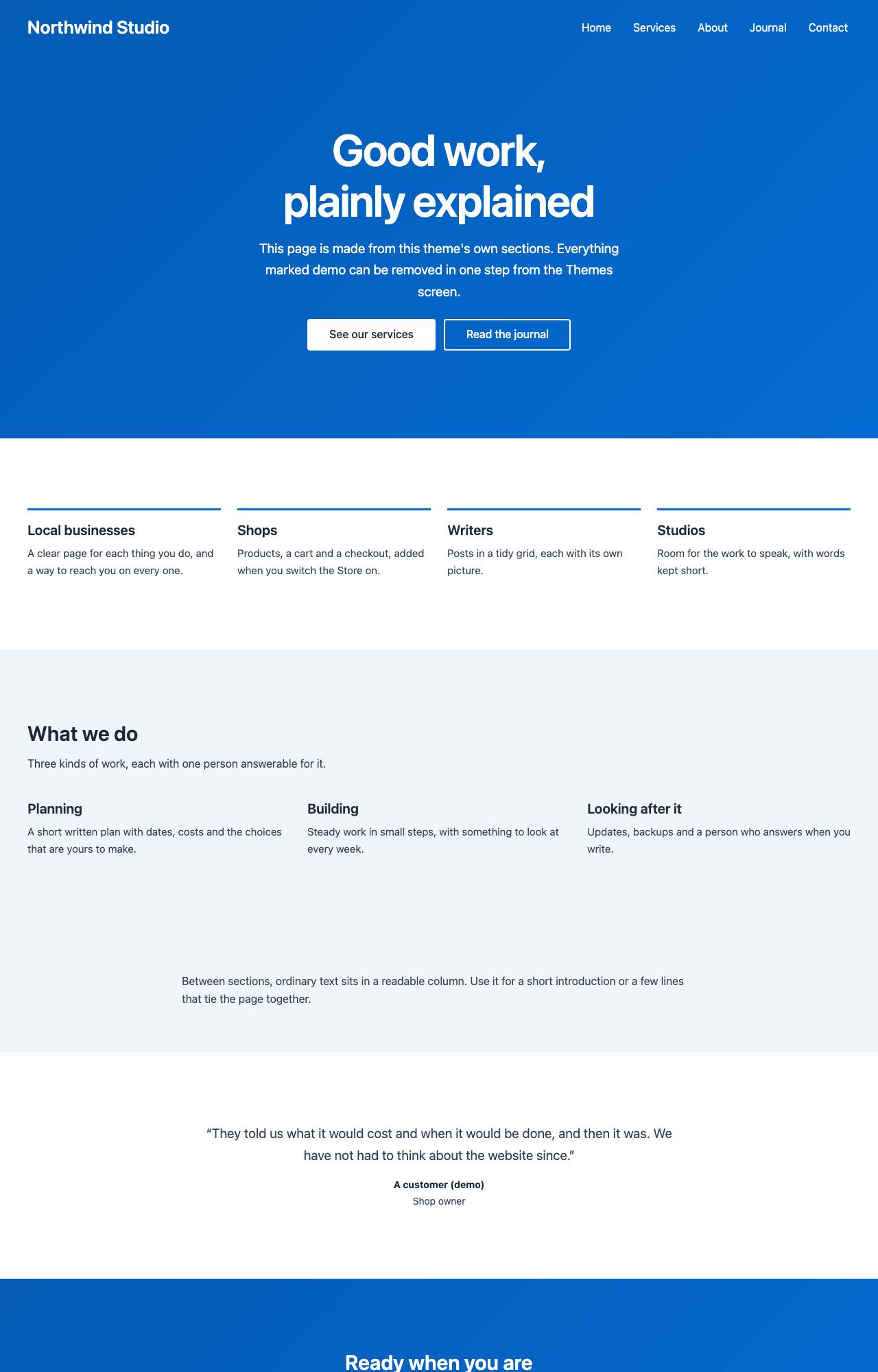
Description
Replaces Astra. A clean, quick, all-purpose theme: clear blue on a pale page, content on white cards, posts as a grid of picture cards, and a header you arrange from parts that can sit over the top of a page. Starts with the same arrangement, palette, type sizes and widths a new Astra site has, and can read an Astra site's settings.
It replaces the Astra theme for WordPress (its own page). A site moving from Astra picks up Brightwater and can bring its theme settings with it.
- The look
- Clear blue on a pale blue-grey page, white content cards, system sans, posts as a three-column grid of picture cards, a header and footer arranged from parts.
- Best for
- Any site moving from Astra; small businesses, blogs and shops that want a clean, quick, all-purpose look.
- Page layouts
- Home (latest posts), List of posts, Single post, Page, Canvas page (full-width sections), Search, Not found.
- Built on
- The shared theme kit (Core 0.1.26 or later).
Good to know
- Fresh code under our own name. No code, styles, wording or pictures of Astra are used.
- Starts with the arrangement, palette, type sizes and widths of a new Astra site, taken from that theme's own defaults.
- No font files are loaded from anywhere. A named font on the old site becomes the nearest family already on visitors' devices, and the import report says which.
- The header can sit see-through over the top of a page. The header cart comes from the Store module; the header and footer are arranged under Customize.
What comes across
What Brightwater reads from the old theme's settings, and what it leaves behind. Each import ends with a report that names anything it could not carry.
- From Astra theme settings
- Comes across: The palette (Astra's nine colours become this theme's eight); brand, text, heading, link, line, page, content, header, footer and button colours; body and heading fonts (as the nearest built-in family), sizes per screen size, weights and line spacing; menu and button text; page, narrow and sidebar widths; width, sidebar and boxed or plain content for the whole site and for posts, pages and lists, including the single layout word older Astra sites store; the header builder's rows and parts (logo, menu, search, button, text, social links, cart) with the button's wording and address, the header text, row height and width; what the small-screen panel holds; the see-through header and its text colour; the footer builder's rows and columns with the copyright line and its alignment; social profile addresses; link underlining; button padding and rounding; the post list's layout, order of parts, meta line, summary length, picture shape and paging; what a single post shows under its title, its picture above or under the title, related posts with their number and heading; title-area band and alignment; breadcrumbs; the back-to-top link. Sites first set up on an older Astra keep the older starting values that Astra keeps for them.
- Does not: The logo and other pictures, menus and widgets, which are not in a settings file; fonts themselves; see-through colours and gradients; header and footer from before Astra's builder; header parts with no equivalent yet (second menu, account, widgets, dividers and other paid extras); a different font or colour per heading level; separate colours for the header's bottom row and for each footer row; a picture at the top of pages; each page's own layout choices, which are stored on the page; shop, course and download page settings (modules have their own); the paid add-on's sticky-header options beyond on and off. Each is named in the import report when the file has it. Not yet verified against a live export: the fixtures are synthetic.
- Not yet verified against a live export: this importer has only been tested on sample files we wrote from the documented format.
Using a WordPress theme that is not in the directory? A theme is built for your site On The Fly. How that works
Changelog
1.1.1 November 18, 2026
Brightwater 1.1.1 (needs Core 0.1.38): after an Astra settings import, footer links and header text left at their defaults stay readable on a footer or header the file coloured (links stayed in the accent colour on a dark footer), and the site title follows the header when the headings colour cannot be read on it. The import report says what was changed; the owner's own colours are kept.
1.1.0 November 17, 2026
Brightwater 1.1.0: its five Canvas sections are now the theme kit's shared ones, under the same names, so pages keep them. No change in look.
1.0.0 November 17, 2026
Brightwater 1.0.0: replaces Astra. Fresh code on the shared theme kit that starts with the header, palette, type sizes, widths, card grid and post layout of a new Astra site. Reads an Astra site's settings (Astra's own export JSON, the JSON of its settings, or a customizer export), follows the older starting values Astra keeps for older sites, and names whatever has no equivalent. Adds a Canvas page template with five sections, and demo content. The importer's test files are synthetic; it is not yet verified against a live export.
Get Brightwater when WebHD opens
One form on the home page: your WordPress address, then your email.
No card Takes a minute No fake scan